One thing that has always been very important to me has been taking pictures. Today is so easy to take a picture on your phone and post in on facebook and forget about it. Throughout this post I will cover some simple steps on what to use to take and store photos.
Cameras
There is no right or wrong camera to use when taking pictures. It depends on what your own budget and what you want to use the photos for. So many phones and cheap digital cameras will take nice pictures these days that can easily be printed. For people who want something a little nicer than a phone picture, I suggest looking into reasonably priced point-and-shoot cameras. Some people like the look of professional photos and may be interested in nicer cameras and learning to edit their own photos. There are many entry level DSLRs available. I personally do not recommend buying a DSLR unless you are someone who is willing to take time to learn about your camera and how to use it. It can be a lot of work to start with but well worth the investment.
Printing Your Phone Photos and Lower Quality Photos
Print your photos. I am guilty of not getting enough of my own pictures printed and sometimes I go years without printing a single picture. It doesn’t matter if they are perfect pictures or grainy. If they are phone pictures or lower quality pictures, I would suggest using use Shutterfly, Walmart or Walgreens to print those photos. Just make sure you print them! I have never regretted the time or money it took to get photos printed. Having a physical copy of a photo almost feels like a tangible memory. Whether you put those photos in a book, a frame or hang it on your fridge, having pictures in your home makes your home feel warm and inviting.
Printing High Quality Photos (usually Dslr photos)
When it comes to printing professional photos, I would not advise using those places I listed to print your photos. The pictures your photographer took are a representation of his or her work. They are a work of art and should be displayed as such. I suggest letting your photographer have those pictures printed or asking what photo lab they suggest using. Spending hundreds of dollars on photos, just print out low-quality, discolored prints is not doing you or your photos justice. This is what happens when you print these high quality photos in places like Walmart. Photographers spend many days practicing and perfecting their settings and editing skills to make sure those pictures are perfect.
Keeping Backups of Your Photos
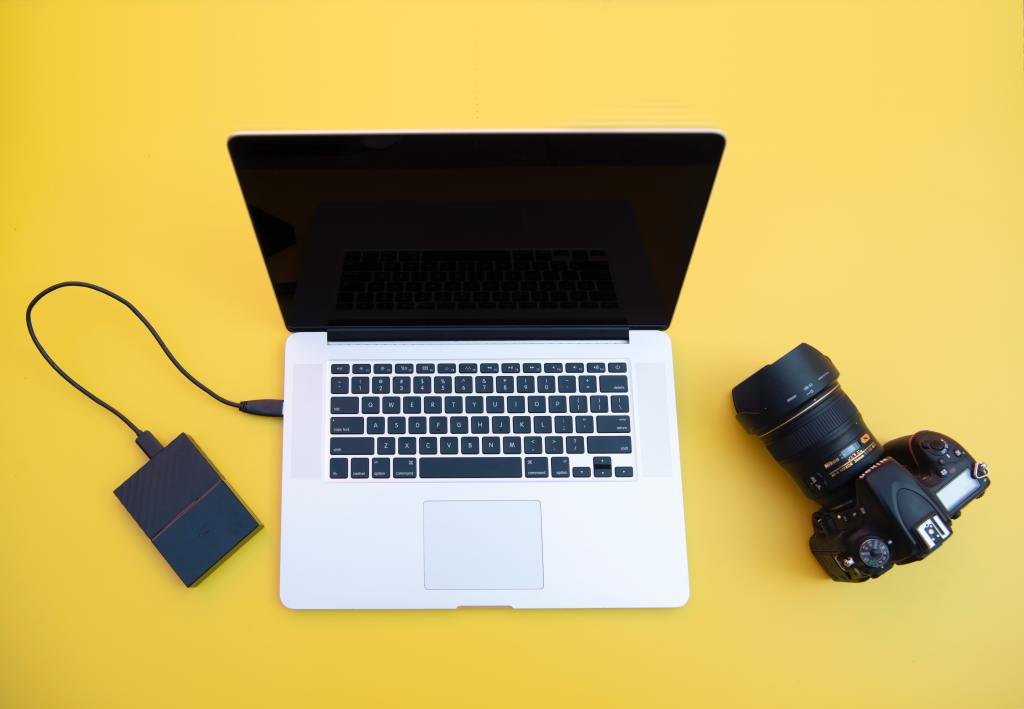
Although you might keeping your photos saved on your phone, camera or computer, it is best to backup those photos just incase something happens to that device. A couple of ways that I would recommend doing this is either on a an external hard drive that can be plugged into your computer or using online storage.
The biggest difference in these two are the prices. When buying a hard drive, it is a one time purchase unless you run out of room and need another one. When you purchase storage space online, the storage space usually costs monthly like nay other subscription service.
One thing I would like to add is that a lot a lot of electronic companies are trying to grow away from using any objects that need to plugged into a computer. In that case, it may be easier to just use some form of online storage. Some online storage websites I suggest are iCloud, Dropbox, Adobe Creative Cloud and Google Drive.
What you do is your choice
What camera you use and how you choose store and print photos is up to you. This may
 Alex Writes